Automate Putting Away Resources while Remote Farming
This is a setup that helps you be able to collect resources and have them automatically put away for you
To make this work, You need a few things.
You MUST have the following:
Bobs Tall Tales DLC.
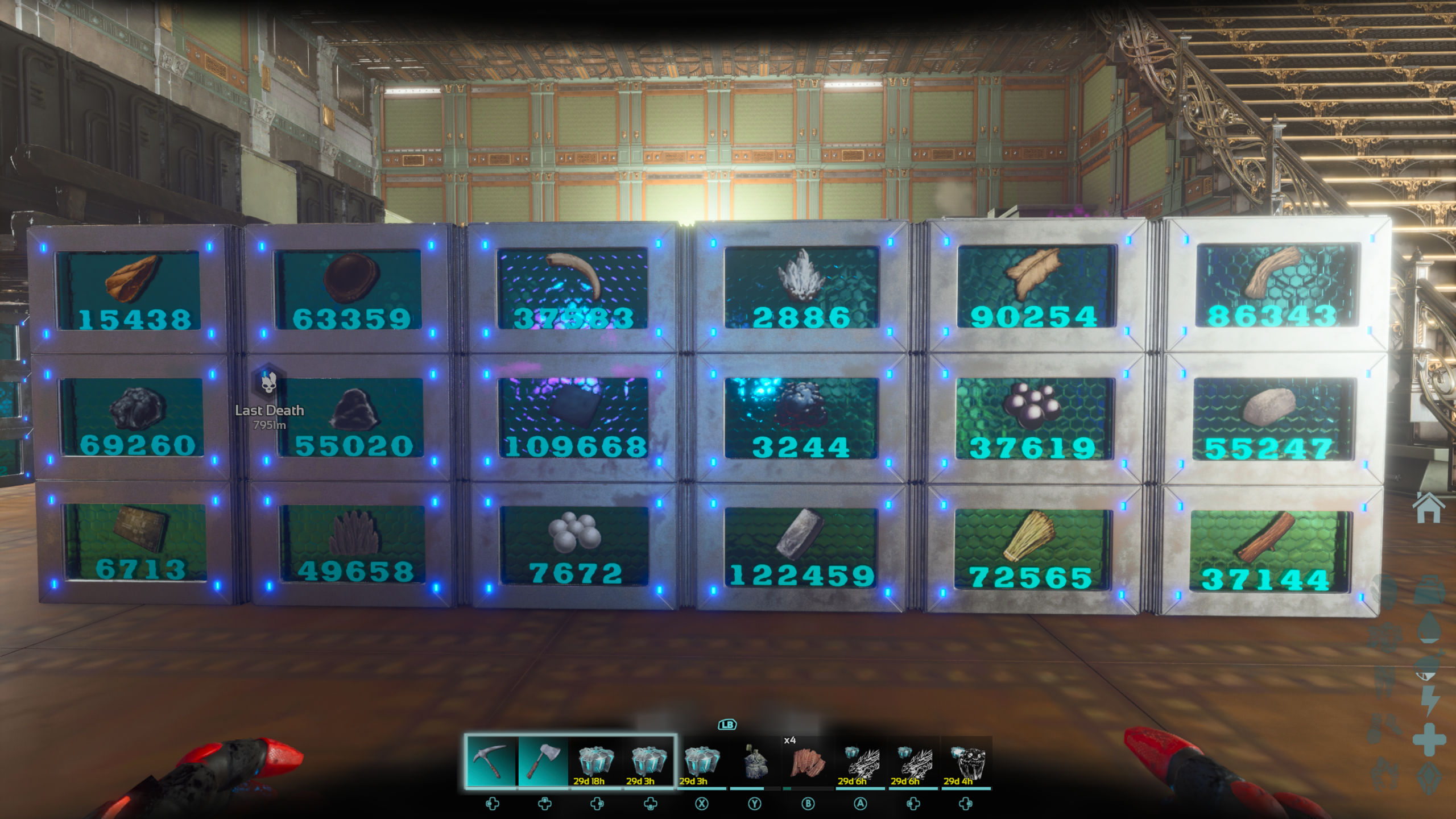
Several Dedi Boxes to store resources in
A Robot (SIR-5rM8)
At least 2 Linked Storage Boxes
2 Players
and a bit of Patience
Once you have everything together from the list above, You will be ready to get set up. It is very important that you follow these instructions exactly as they are writtten.
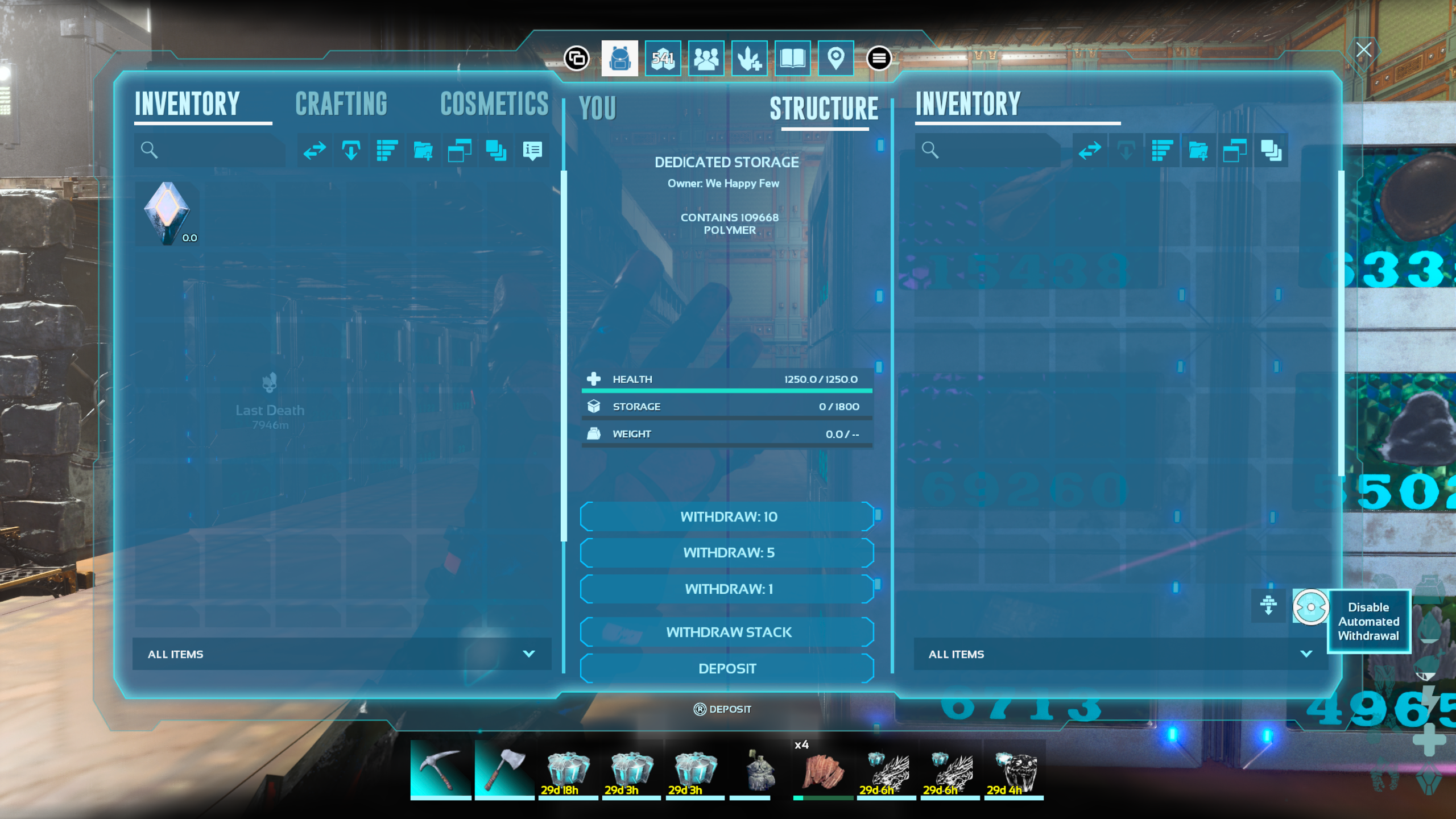
Step one – You will need to go to your Dedi boxes and set them to Allow Deposit
No need to Enable Automatic Withdrawal
Your resources will end up here, nowhere to forward.
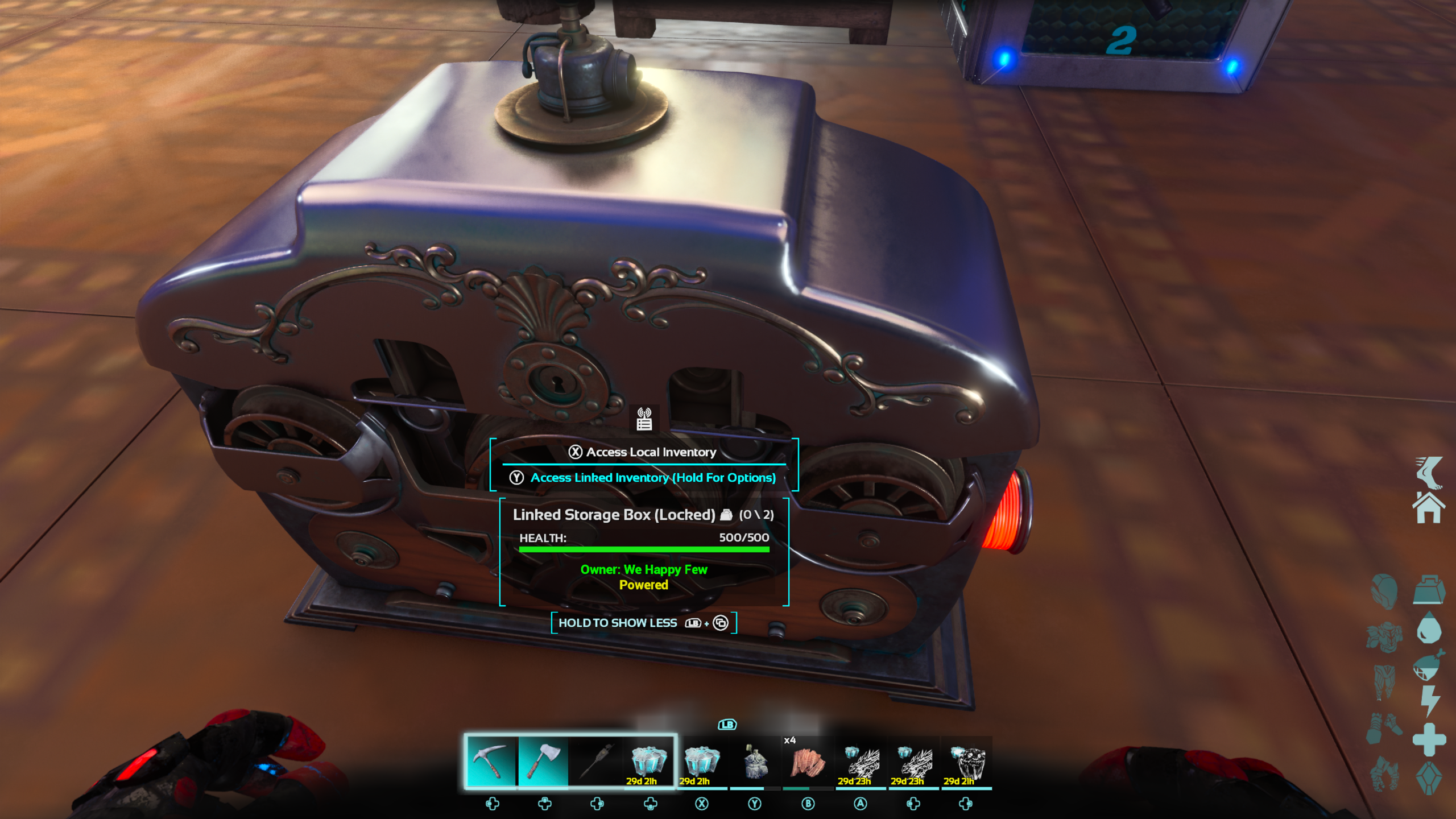
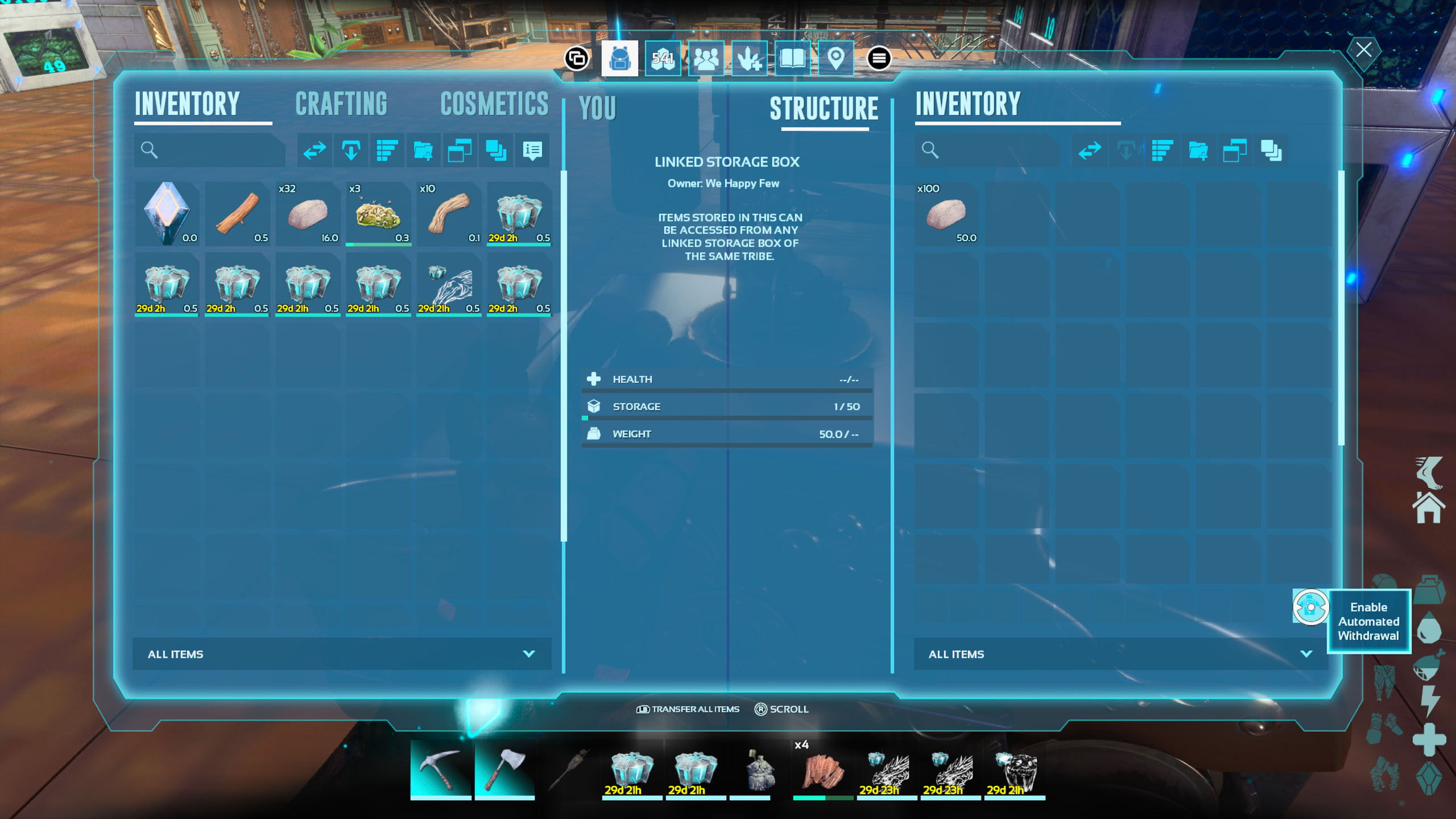
Step two – You will need to set your Linked Storage boxes. The remote one(s) do not matter as much at this point, but the receiving one needs to be set up
All you have to do on your receiving Linked storage is to
Make sure to Enable Automatic Withdrawal
So, at this point, whenever, you put items into your remote Linked Storage, it will be available here in your Main Linked Storage.
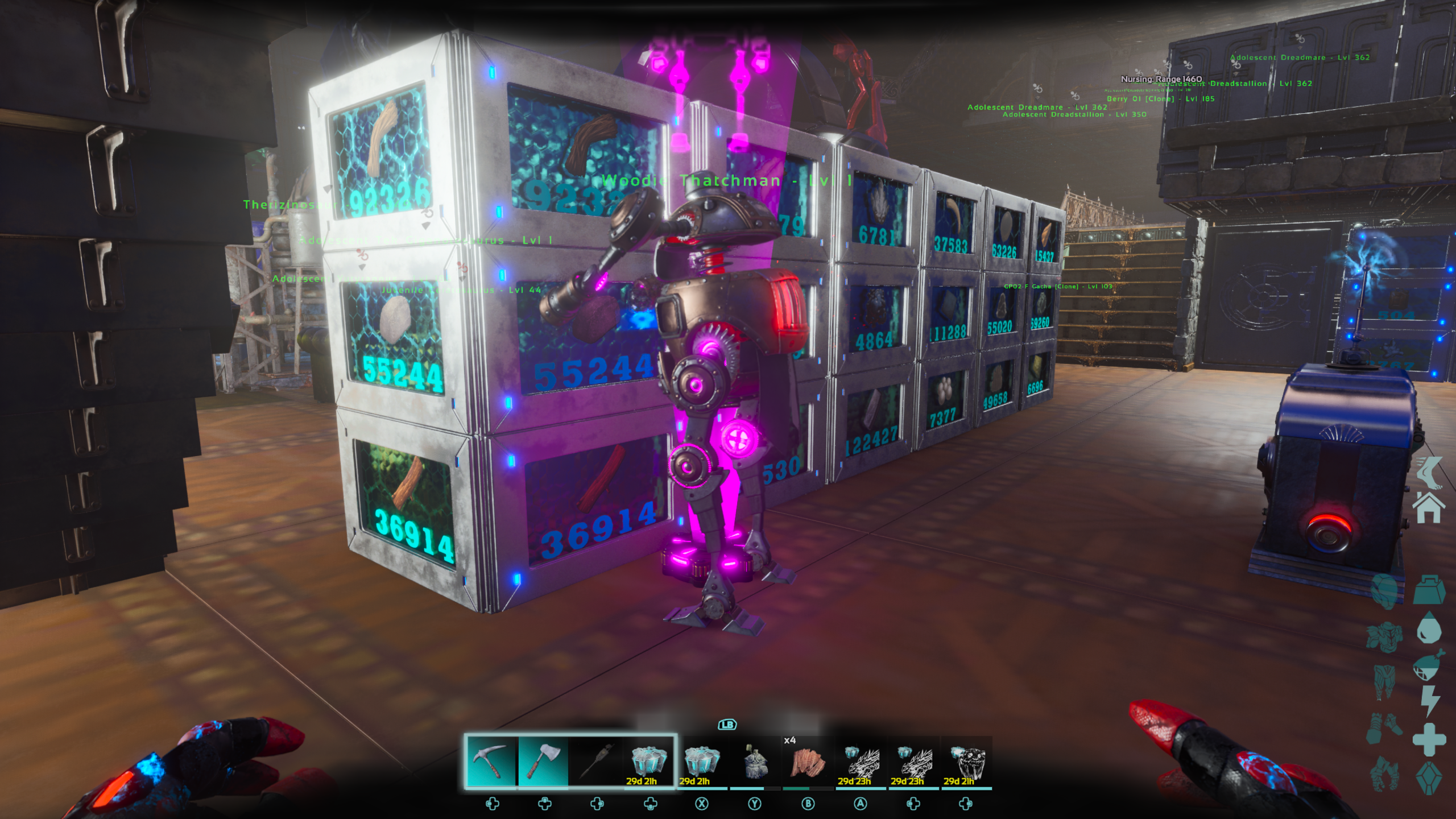
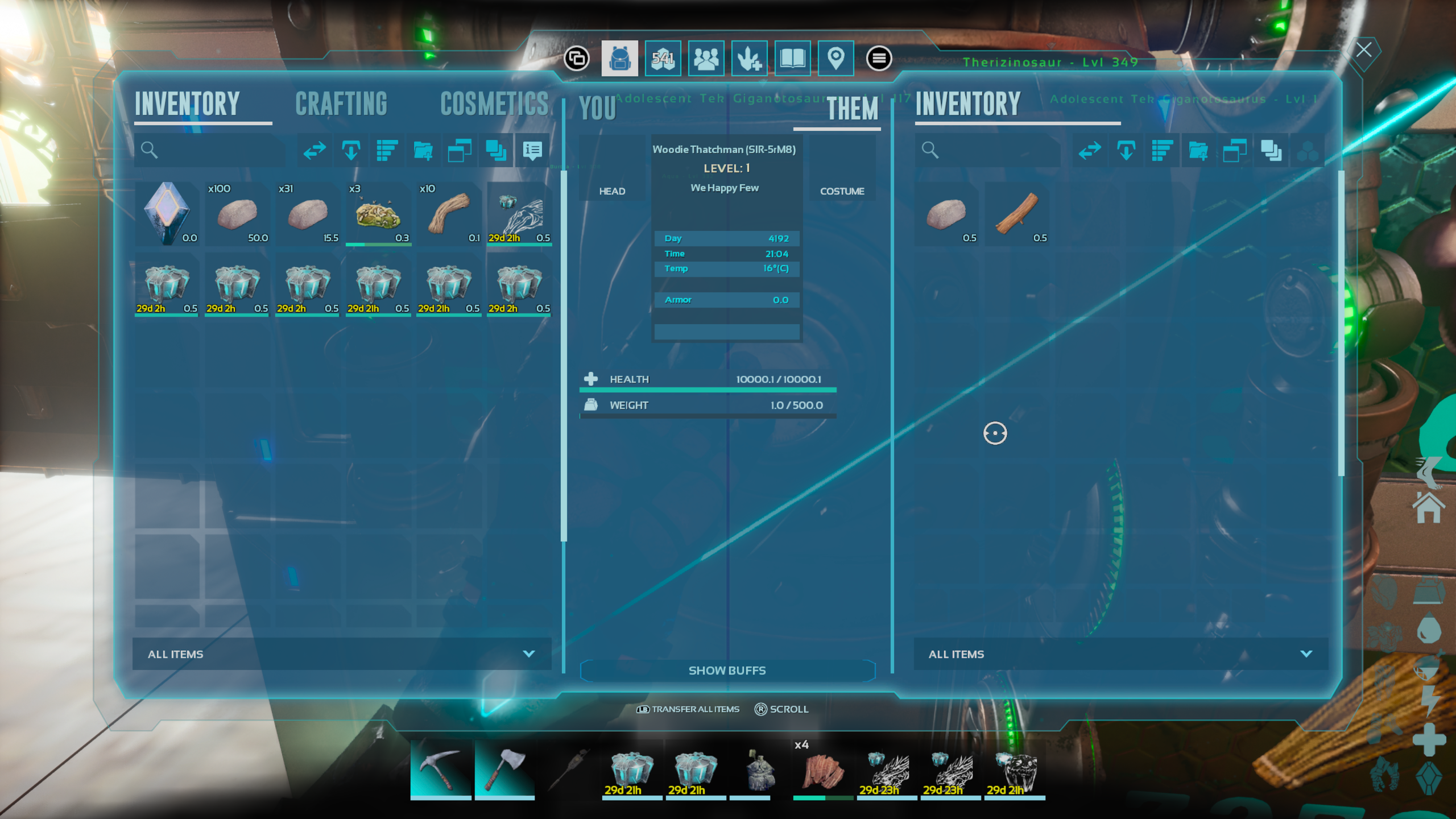
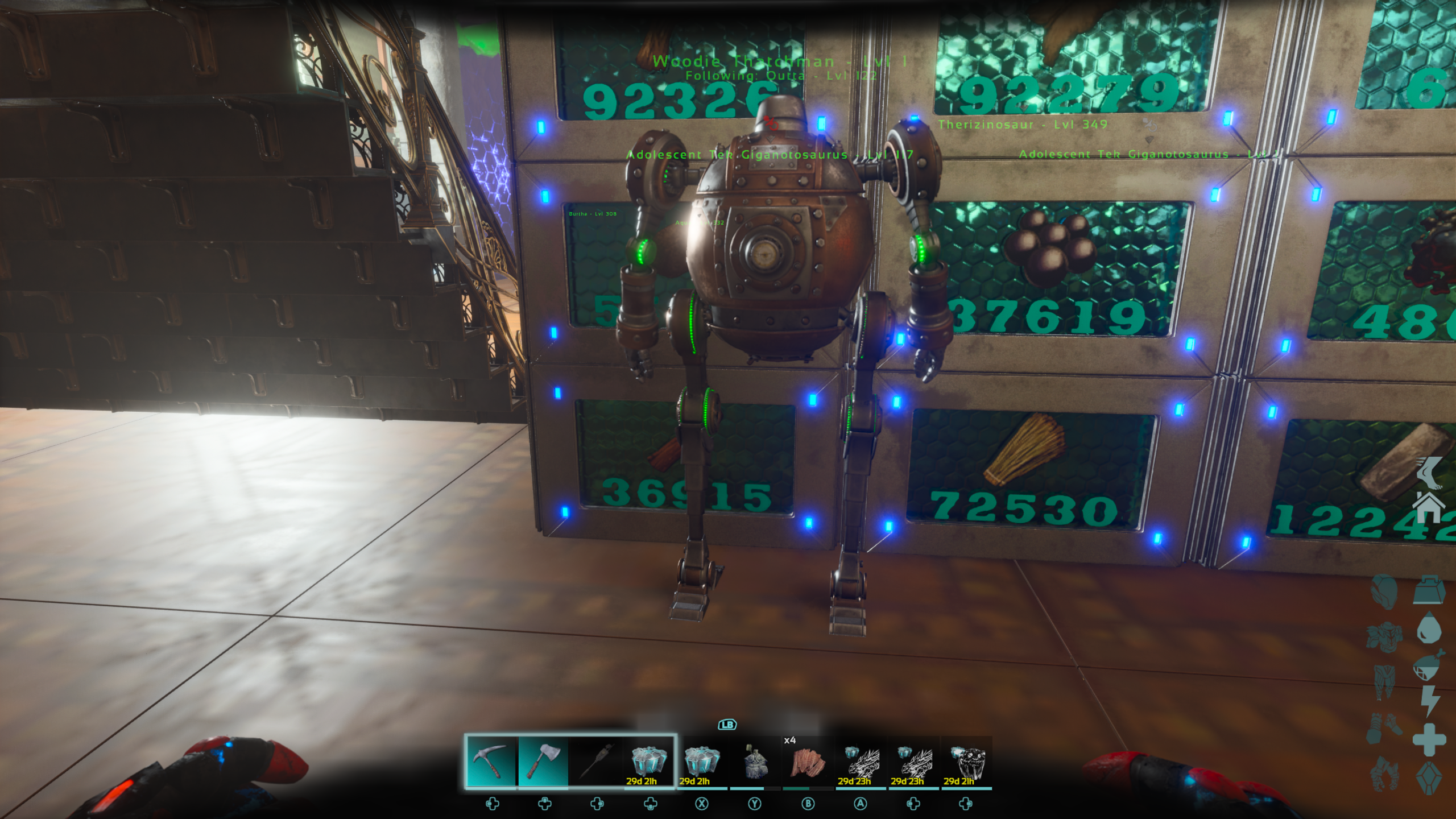
Step three – Set up your robot. We want the robot to now take things from the Linked Storage, and put them in the dedi boxes. Pop it out close to the Linked storage.
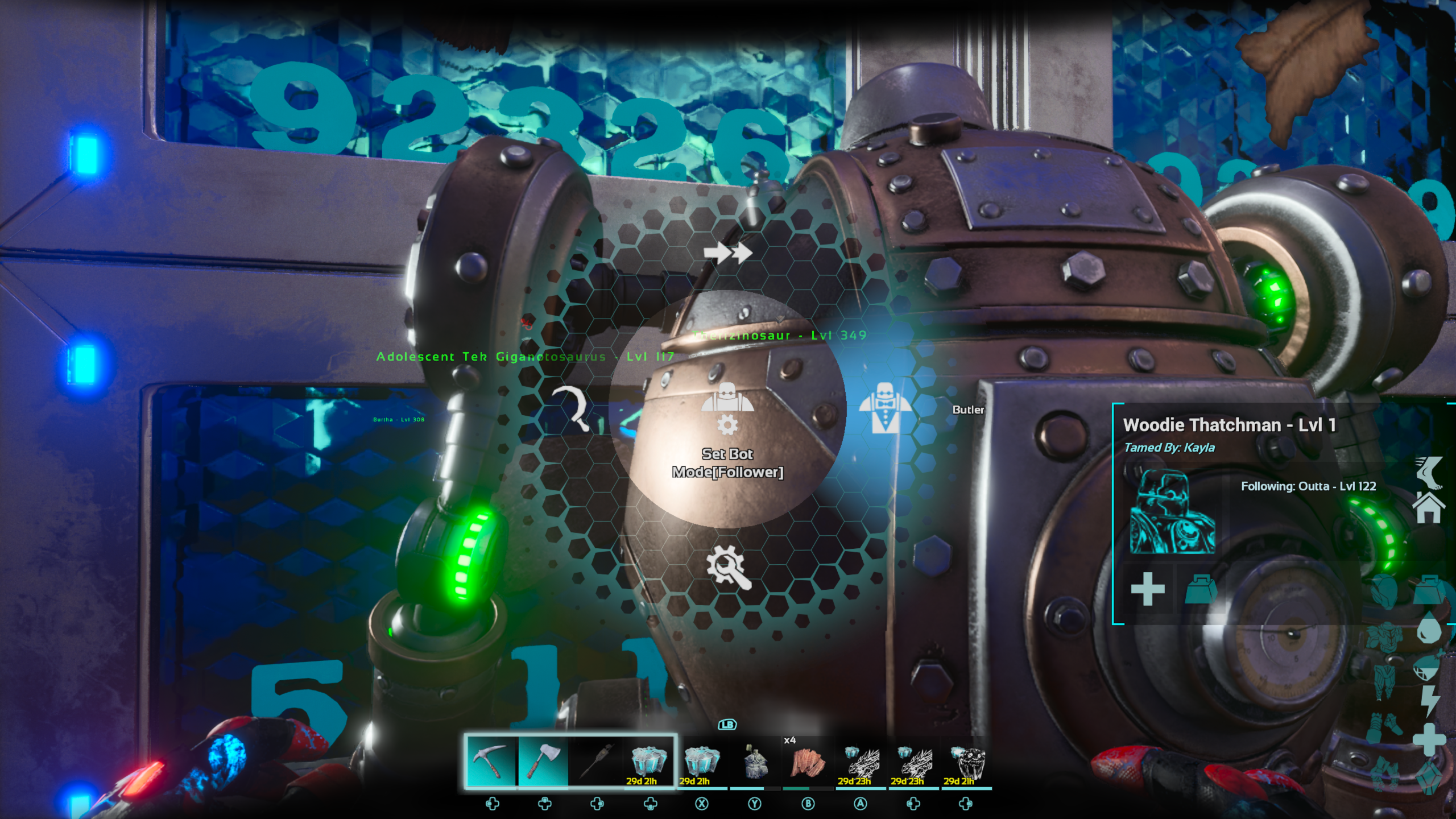
Once it Generates, Set it to Butler Mode
You should right away see it go to your Linked Storage (Because it is set to allow withdrawl). Once it sees what is there, it will find a place to put it
Step four – Verify all is working
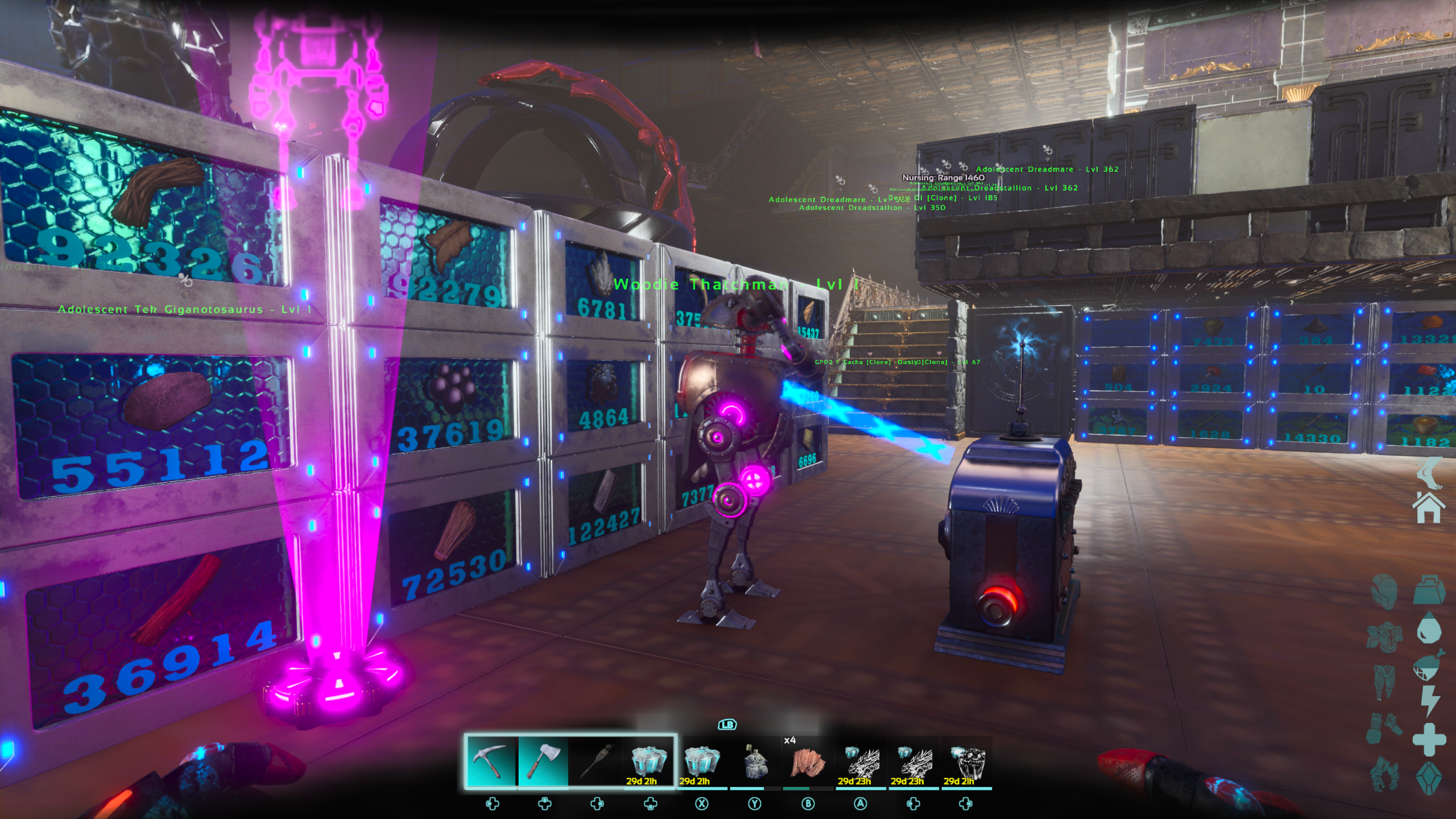
You should be seeing the bot deposit into the dedi boxes.
If you set your dedi boxes right the bot will move the resource into the proper dedi box.
You will want to verify that the resources are flowing well, If a resource stays in the Linked Storage, that usually means the dedi box for that resource is not set properly.
If this happens, just go to the dedi for that resource and fix it.
Step five – Make it work.
Go out and collect resources. Take the remote Linked Storage with you.
Place the Linked Storage early, it takes 5 minutes to power up. While it is powering up, go collect your resources, and place them in the Linked Storage once it is powered up. They are now transferred back to your main base where your bot is set up to take the resources out of the Shared Storage Back at the base and put them away. This gives you more room for resources.
Some people put The Shared storage on a cart, I put mine on a Quetz Platform. I have the Shared Storage, Tek Gennie, Tek Trough for the Quetz, lights for nightime, and a fridge.
The reason I said above that you will need a bit of Patience, is because we are dealing with the Sir-5rM8 (robot). These guys are AWESOME when they work, but they take a bit of tweaking and adjusting to get them all set up.
The Robots to not work when nobody is within render range. Because of this, One person has to be at the Receiving Base. They do not have to babysit the robot, just be busy within the base. They just have to stay in render range. This is why it takes 2 tribe members.
You are only allowed 3 Shared Storage Boxes out on a map. With 3, you can set up 2 remote setups and the local setup. This requires 3 Tribe Members though. This will also only work if your robot on the receiving end is working very well, and the dedi boxes it delivers to need to be as close as possible to the shared storage.
One way to kind of cheat the system is to open your shared box, and have someone from another tribe farm and send you the resources. Only the person at your receiving base HAS to be in your tribe. You would have to work out details on how to get someone to farm for you…


One Response